
Free
To get started with a single TV.
No charge
The version you keep if you don’t pick the plan when your trial ends.
- 1 screen
- 100 MB for photos and videos
- Files up to 30 MB each
- 2 playlists
- 1 user
- No scheduling
- With a Lupeo watermark
- Email support
Digital signage for small businesses
Promos, prices, photos and videos on one TV or on every TV in your store, each with its own content. Change them from your phone or computer, with no cables and no installers.
One person, many screens
Tap, and the TV changes in under a minute. Each screen shows its own thing, and you never leave the counter.
Everything you can show
Photos, videos, promos, prices and notices. Nothing to print, no one to call.
Products, dishes, your window display or your brand.
Upload heavy videos: Lupeo optimizes them for you.
The old price crossed out and the new one front and center.
Type 14900 and it shows $ 14,900: Lupeo handles the formatting.
Big notices people can read from across the room.
Time and date, always in view.
Background and text in your brand colors.
Breakfast in the morning, lunch menu at noon. It switches by itself.
One per screen, per time slot or per season.
Each TV lying flat or standing up, like a totem.
Upload and change everything from wherever you are.
Scan it with your phone and the TV is linked.
See how it looks on your TV before you sign up.
If the connection drops, it shows the last thing you published.
Also on Android TV. Or on any TV with a web browser.
For any kind of business
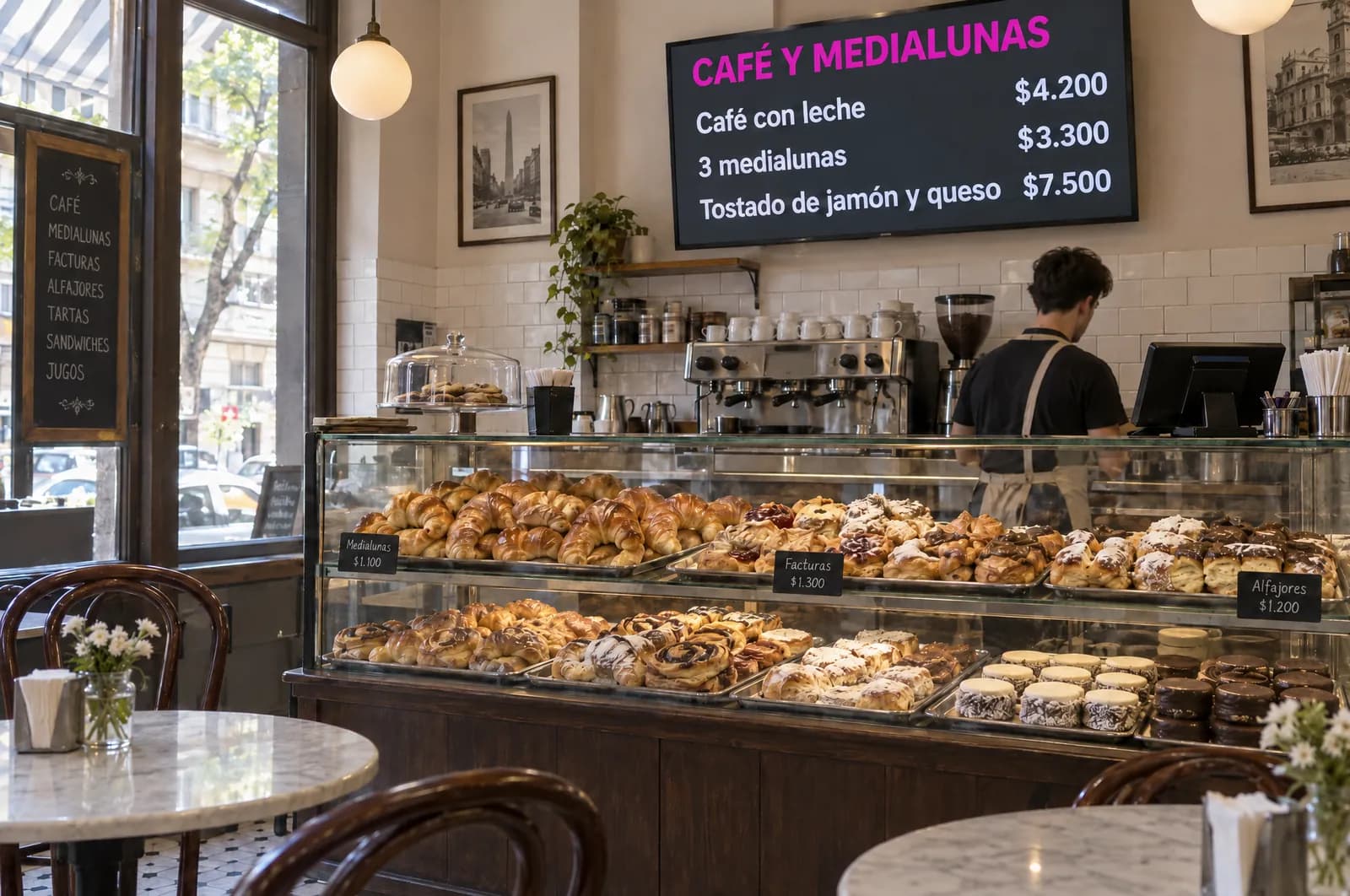
From the corner café to a chain with many locations: each one shows its own thing.
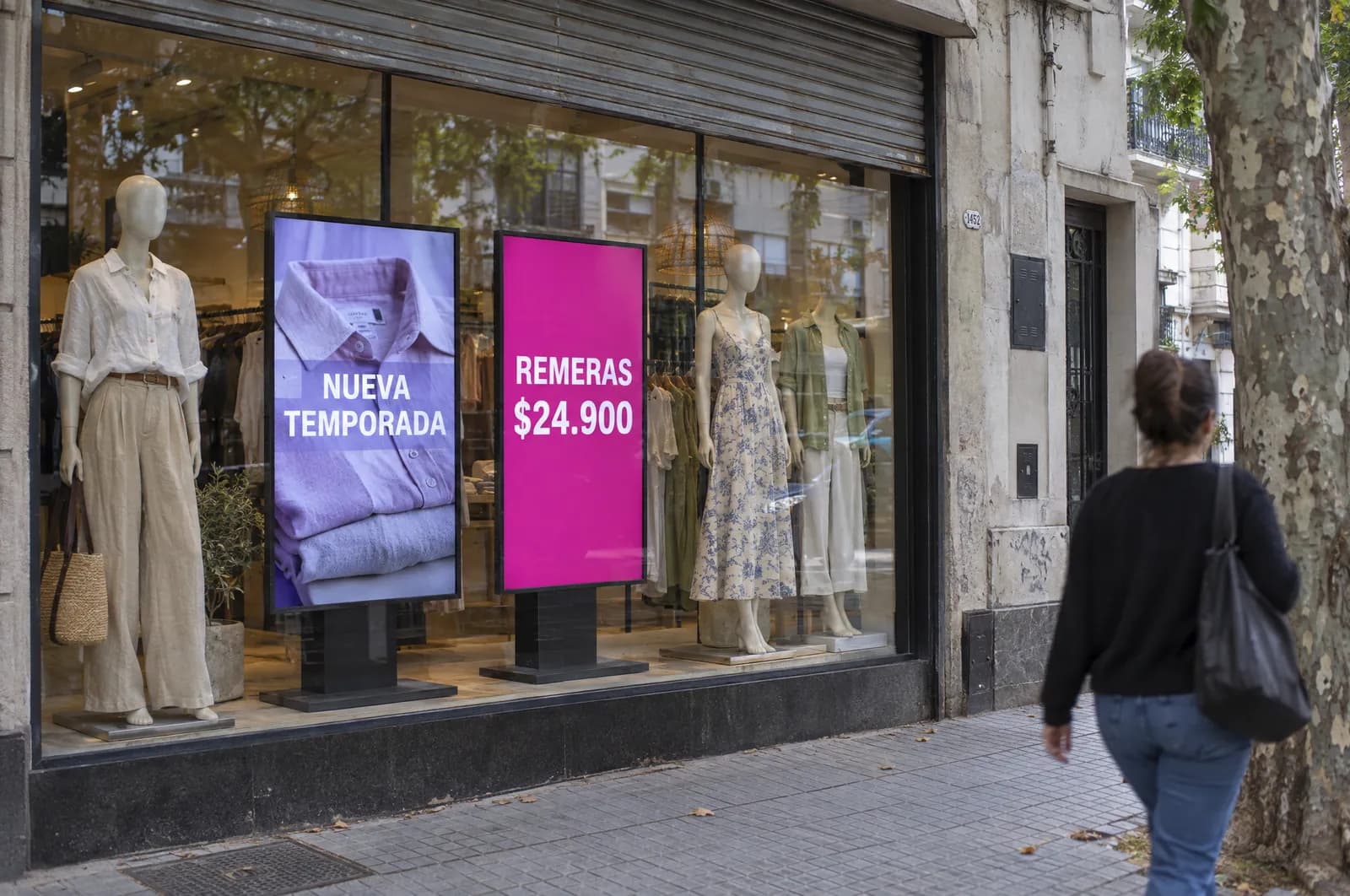
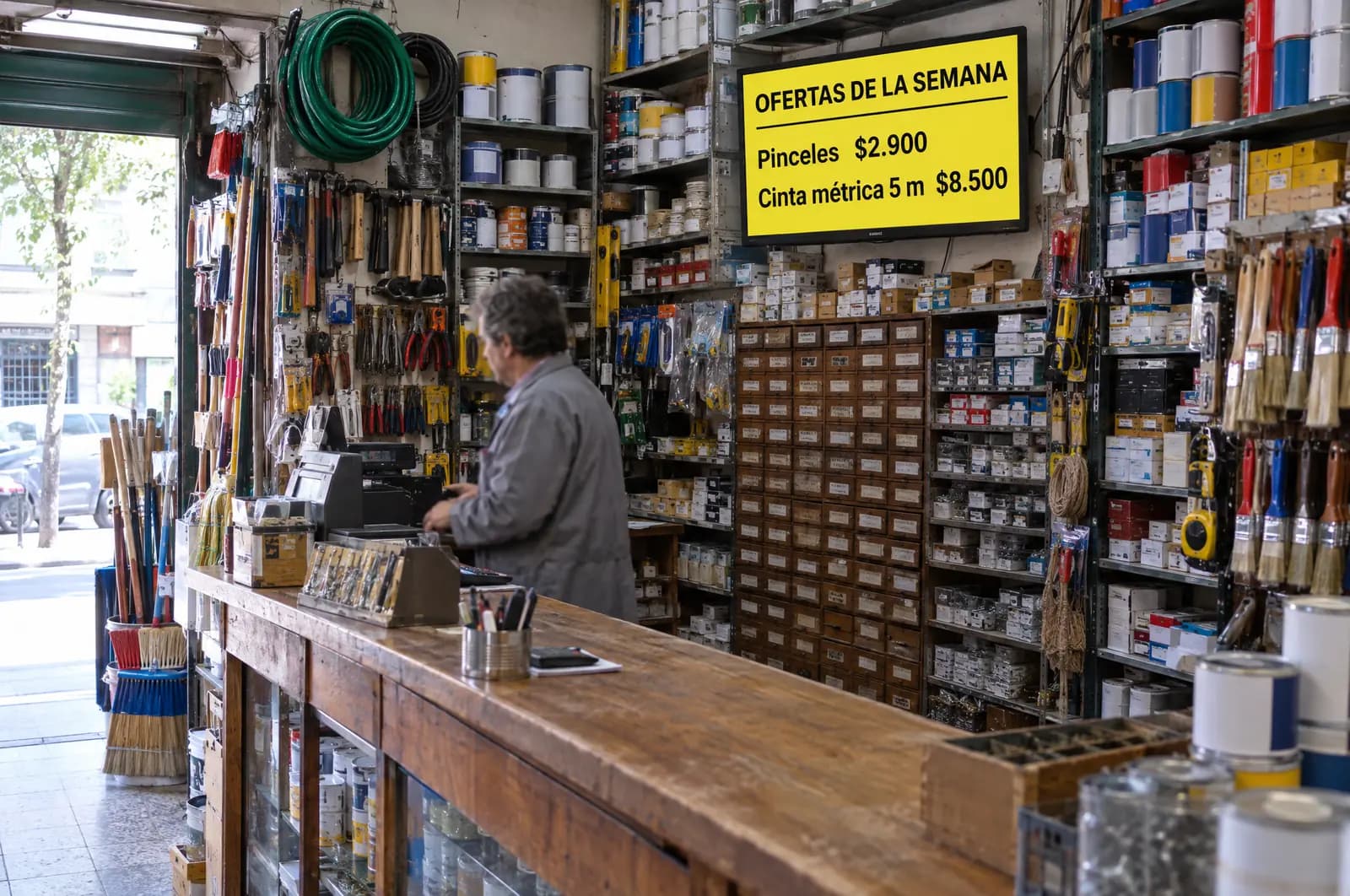
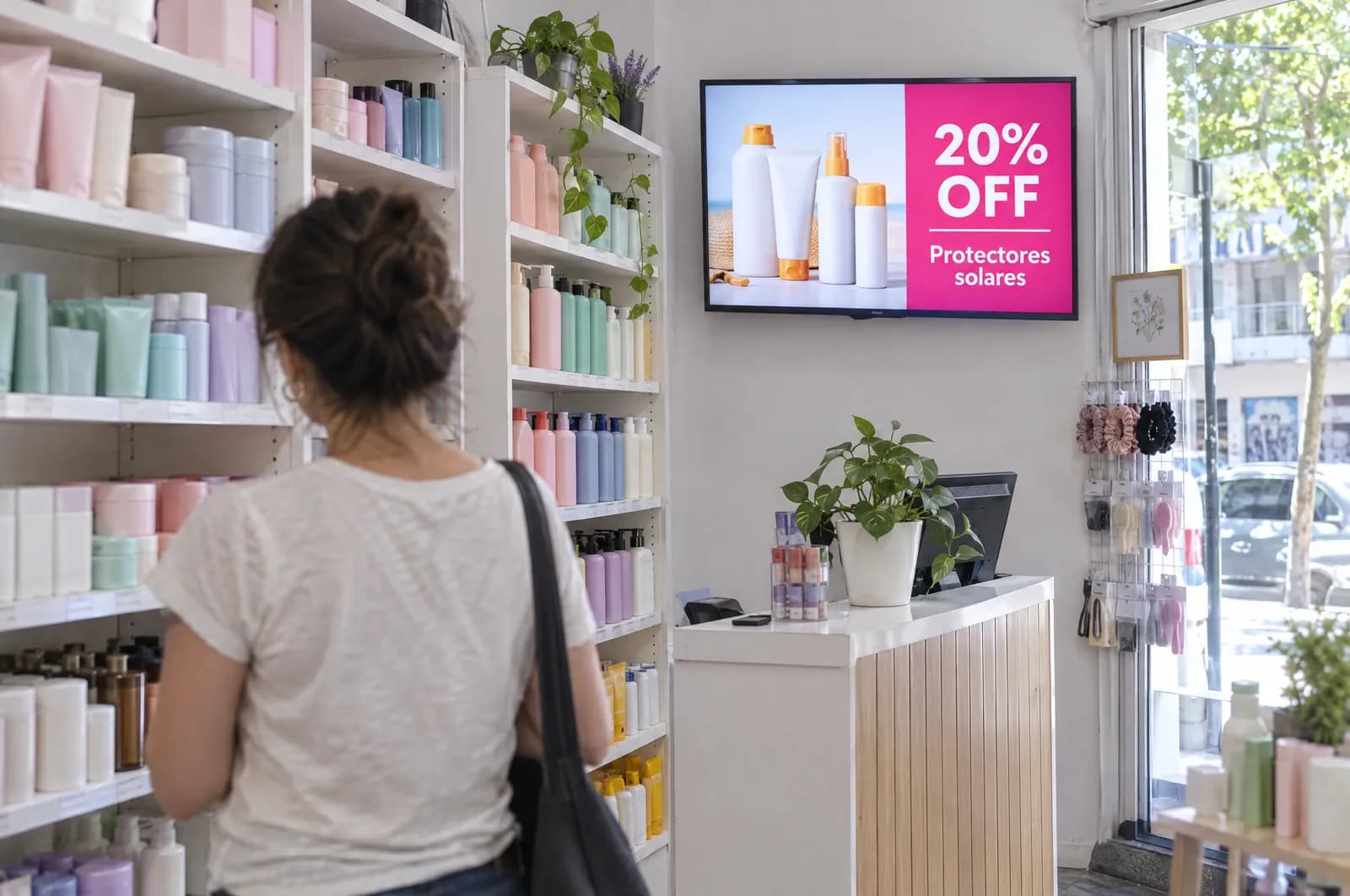
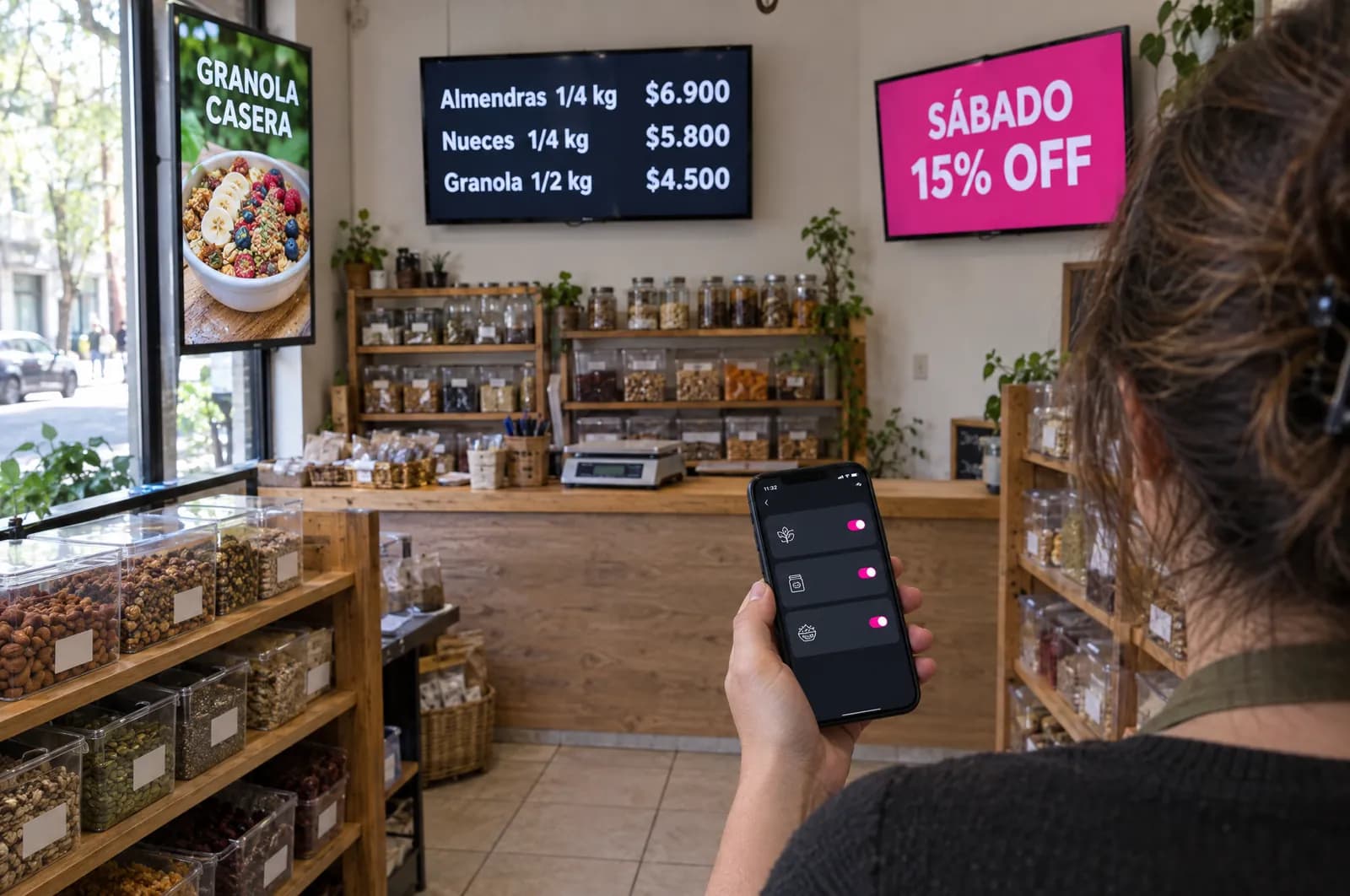
Illustrative images.
Getting started
Go to lupeo.app/tv in the TV’s web browser, or use the app on Google TV.
The TV shows a QR code: scan it with your phone, sign in and the TV is linked.
Pick what to show and you’re done. The screen updates by itself, on a schedule if you like.
No card needed · Ready in 5 minutes
Pricing
Try everything free for 14 days, with up to 15 screens. No card needed.
To get started with a single TV.
No charge
The version you keep if you don’t pick the plan when your trial ends.
Everything included. You pay for the screens you use.
From
$14,900ARS /mo
for 3 screens
+$7,400 ARS a month for every 2 more screens
From
$149,000ARS /yr
for 3 screens
+$74,000 ARS a year for every 2 more screens
From
$10USD /mo
for 3 screens
+$5 USD a month for every 2 more screens
From
$100USD /yr
for 3 screens
+$50 USD a year for every 2 more screens
For chains and businesses with lots of screens.
Custom
Tell us how many screens you need and we’ll send you a quote.
Choose how many screens you’ll use. They go up in steps of 2, from 3 to 29.
Total for 3 screens
$10USD /mo
Includes 1 GB for photos and videos.
$10 USD for 3 screens.
Try it free for 14 daysTry it free for 14 days with up to 15 screens, no card needed.
Final prices in Argentine pesos, VAT included. Pay with Mercado Pago.
Prices in US dollars. Pay by international card; taxes depend on your country.
If you subscribe during the trial, the first charge happens when it ends.
FAQ
Anything with a web browser: a Smart TV, a regular TV with a Fire TV Stick, or a monitor with a mini PC. Open lupeo.app/tv and you’re set. On Google TV and Android TV you can also use the Lupeo app.
As many as you need. The Lupeo plan starts at 3 screens and goes up in steps of 2, up to 29; the free version includes 1. You run them all from the same phone, and each one can show something different. Need 31 or more? Our Chains plan is custom: email us at [email protected].
You need internet to link the TV and to receive changes. If it drops afterwards, the screen keeps showing the last thing you published and catches up on its own when the connection is back.
For 14 days you get everything in Lupeo, with up to 15 screens and no card. If you subscribe during the trial, the first charge happens when it ends. If you don’t, you stay on the free version with 1 screen, Lupeo branding and no scheduling: your other screens are paused and nothing is deleted.
Outside Argentina, in US dollars by international card. In Argentina, in pesos with Mercado Pago. Pay monthly, or yearly with 2 months free.
Yes, no lock-in and no phone calls: do it from your dashboard or with the cancellation button at the bottom of this page. Your plan runs until the end of the period you paid for.
Create your account, open Lupeo on the TV and you’re done.
Try it free for 14 daysNo card needed · Cancel anytime